Guide
AI Story Generator with Pictures: Stills, Books or Scenes?
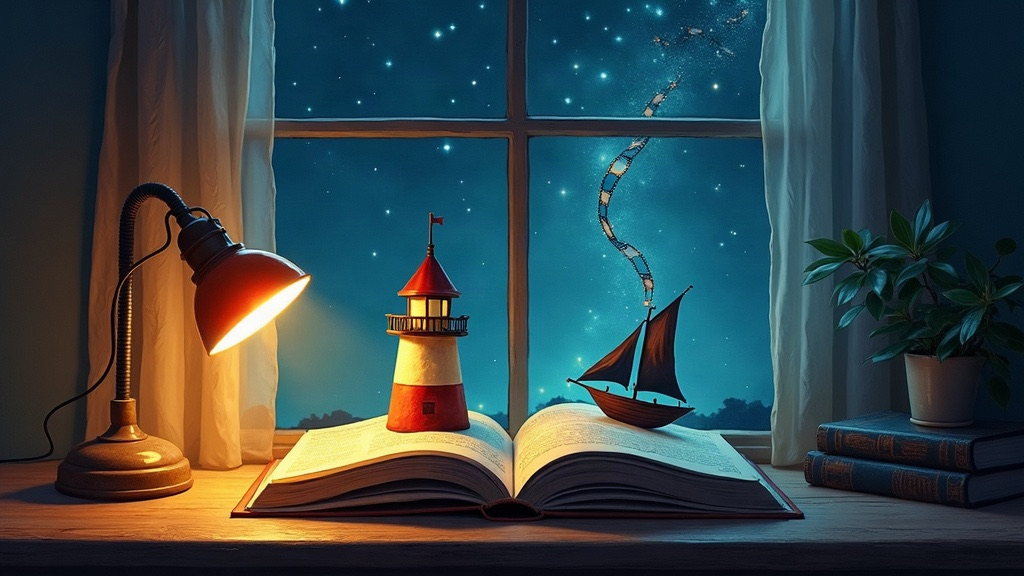
An AI story generator with pictures writes a story from your prompt and illustrates it. Tools fall into three types: one image per story, a picture book with an image on every page, and animated scenes with voices. Pick by where the story will live: read on a page, printed for a child, or watched as a film.
Search for an AI story generator with pictures and you'll find a page of tools that all promise the same thing. They don't all do the same thing. Some add a single cover-style image to a block of text. Some lay out a whole illustrated book. A few skip still pictures entirely and give you moving, talking scenes.
This guide sorts the options by what you actually get, shows how to choose, and gives you a prompt template that produces better pictures with any of them.
What does an AI story generator with pictures make?
Every tool in this category does two jobs: it writes text, and it creates images to match. The difference is how tightly the two are tied together.
| Type | What you get | Good for | Watch out for |
|---|---|---|---|
| Story + one image | A full text story with a single illustration or cover | Quick ideas, writing prompts, sharing a mood | The picture shows one moment, not the plot |
| Illustrated book | A picture for every page or chapter, often with PDF export | Bedtime stories, gifts, printed keepsakes | Characters can drift from page to page |
| Animated scenes | Short video clips with narration or dialogue, played in order | Stories you want to watch, not read | Each scene costs more to make than a still |
| Interactive (any of the above) | You choose what happens next after each part | Choose your own adventure play, replaying with new choices | Less control over the final shape up front |
AI story generators with pictures, by type
Here's where some of the tools you'll see in search results fit. Descriptions come from each tool's own page as of September 28, 2026. Features and prices change, so treat this as a map rather than a review.
Story with images on the page
- Perchance (AI Story with Pictures) describes itself as free, with no account needed, and generates images alongside the story text.
- Genspark AI Story Generator says it writes a full story from a premise and genre, with chapters, dialogue, pictures and a cover illustration.
- Canva Story Generator writes a story you can then lay out in a Canva Doc and decorate with AI art and other design elements, which suits people who already use Canva.
Illustrated books
- ToonyStory focuses on personalized, illustrated children's storybooks, where a parent uploads a photo and picks a theme.
Scenes, narration and choices
- Giz AI Story Generator says it can add scene images, narration, music and video when a story needs them, and can turn a linear draft into a branching one.
- FICT skips still pictures. Each part of your story becomes a 5 or 10 second animated scene with narration or dialogue, then you choose one of three next moves or type your own. More on how that works below.
How to choose an AI story generator with pictures
- Decide where the story ends up. Reading on screen? Any story-plus-image tool works. Printing for a child? You want page layouts and export. Watching it? You need video scenes.
- Check who controls the plot. Most generators write the whole story at once from your prompt. Interactive tools stop after each part and let you steer, which is closer to a game.
- Look at character consistency. Generate two or three pictures of the same hero before you commit. If the face, hair or outfit changes every time, a long story will fall apart.
- Read the limits, not just "free". Free tiers usually cap images, length or daily use. Know the cap before you're halfway through a story.
- Check what you're allowed to include. Many tools block real people and famous characters. Original characters are safer and make better stories anyway.
A prompt template for better story pictures
Most weak AI illustrations come from vague prompts. Give the tool the same four things a director would give an art team:
| Part | What to write | Example |
|---|---|---|
| Hero | Who, plus two fixed visual details | A retired lighthouse keeper with a yellow raincoat and a brass telescope |
| World | Where and when, in one line | A foggy island where the lighthouse still turns on by itself every night |
| Mood | The feeling you want each picture to carry | Quiet, a little eerie, hopeful by the end |
| Style | One art style for the whole story | Soft watercolor, muted blues and warm lamplight |
Then add the hook as a "What if…" question: What if the lighthouse started signaling to a ship that sank fifty years ago? A question gives the story somewhere to go. If you need a starting point, borrow one from our 100 what if scenarios or 60 story ideas with hooks and twists.
From pictures to scenes: making an AI story you can watch
Pictures freeze a story at one moment. If you'd rather see the lighthouse beam sweep across the fog and hear the keeper talk to the ship, you need scenes instead of stills. That's the idea behind FICT, an AI movie maker for iPhone and Android.
- Set up your "What if…". Pick a protagonist, a world, a mood and an art style such as anime, watercolor or 3D, or start from a story in the library.
- Watch the first scene. FICT makes a 5 or 10 second animated scene with narration or dialogue.
- Choose what happens next. Pick one of three choices or type your own. Choices can't be undone, so the story keeps moving forward.
- Keep going as long as you like. There's no length limit, and the finished film replays from the start.
New players get 20 credits: a 5-second scene costs 10 credits and a 10-second scene costs 20, and a failed scene is refunded once. You can also watch the free sample film, The Last Train, before making anything. If the branching part appeals to you, read choose your own adventure AI, explained, and for a step-by-step on longer projects, see how to make an AI short film on your phone. If anime is your style, our guide to AI anime video generators compares clip, restyle and story tools.

Write a “what if…”, watch the scene, choose what happens next. New players get 20 free credits.
Common problems and quick fixes
- The hero looks different in every picture. Repeat the same two or three visual details in every prompt and don't switch art styles.
- Pictures don't match the text. Ask for fewer, more specific images. One clear moment per picture beats a busy summary of a whole chapter.
- The story is generic. Add a concrete want and a cost: the keeper wants to reach the ship, but going out means leaving the light unmanned.
- It ends too soon. Use an interactive tool, or ask for the story in parts and continue from the last one.
Frequently asked questions
What is an AI story generator with pictures?
It is a tool that writes a story from your prompt and also creates images for it. Depending on the tool, you get one illustration per story, a picture for every page or chapter, or animated video scenes with narration and dialogue.
Is there a free AI story generator with pictures?
Yes, several tools have free options. Perchance describes its story-with-pictures generator as free with no sign-up, and FICT gives new players 20 credits plus a free sample film, The Last Train. Limits and prices change, so check each tool's own page.
How do I keep the same character in every picture?
Describe the character once with a few fixed details, such as age, hair, clothing and one distinctive item, and repeat those details whenever the tool lets you. Pick a single art style and stick with it, because switching styles mid-story changes how characters look.
Can an AI story generator make a video instead of pictures?
Some can. FICT turns each part of the story into a 5 or 10 second animated scene with narration or dialogue, then asks you to choose what happens next. The scenes play back in order as one film.
What is the best AI story generator with pictures for kids' bedtime stories?
For a printable picture book, pick a tool built around illustrated pages and PDF export, such as ToonyStory, which describes itself as making personalized illustrated children's storybooks. For a story you watch together and steer with choices, an interactive film app is a better fit.